
| BotronikS - Final code for all types of Arduino and PC users: -- HOME -- email: botronik@gmail.com |
| What you need to install or have installed before on your PC: see HERE |
| For Bot6PcApp PC software (Win OS) need to install: VB6RunTimePlus2.2 |
| - Allow downloading of the application regardless of all warning messages, unpack in a new folder and start (ignore all Windows warnings) |
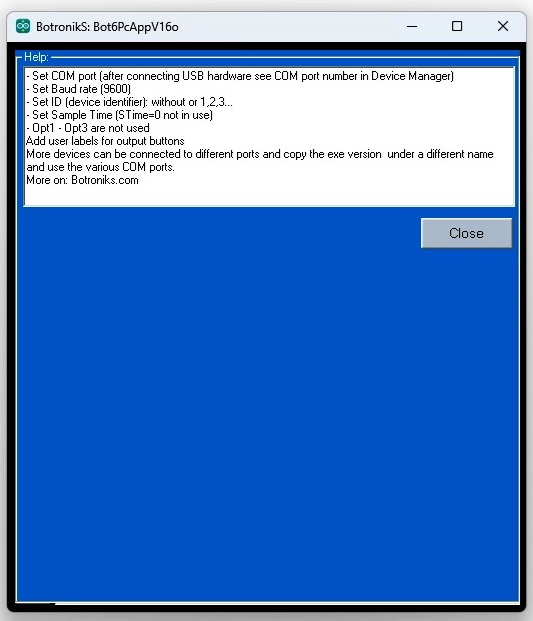
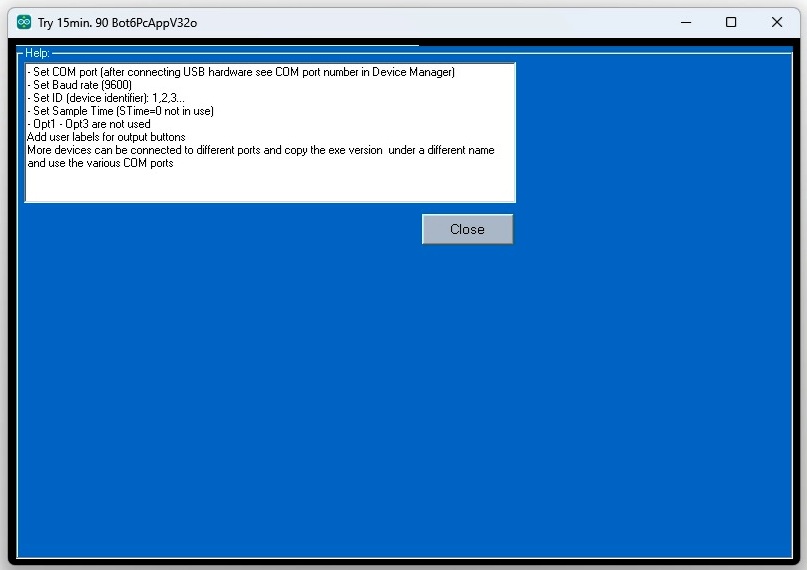
| - Connect the Arduino to USB and see the port number (COMx) in the Device Manager, enter in scada and test... |
Bot(2)PcApp - PC SScada:
| |
|
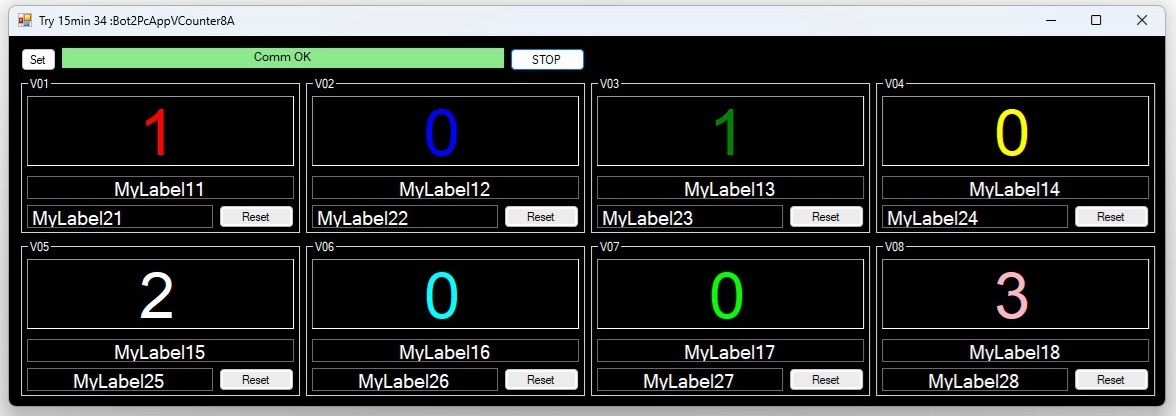
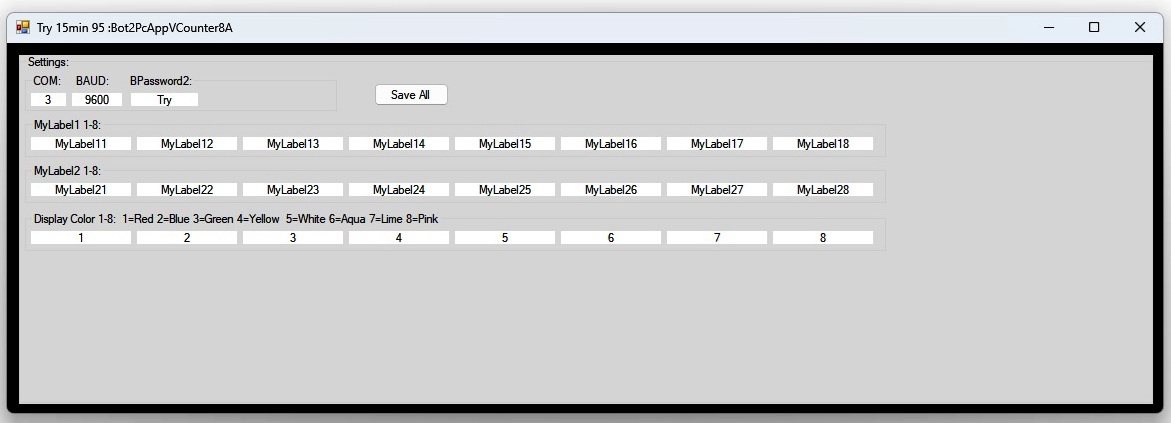
Bot2PcAppVCounter8A: PcApp for controlling status up to 8 counters on PC... |
| Download: Here -- Free! | ||
| Always use PcApp in folder named without special caracters! | ||
 |
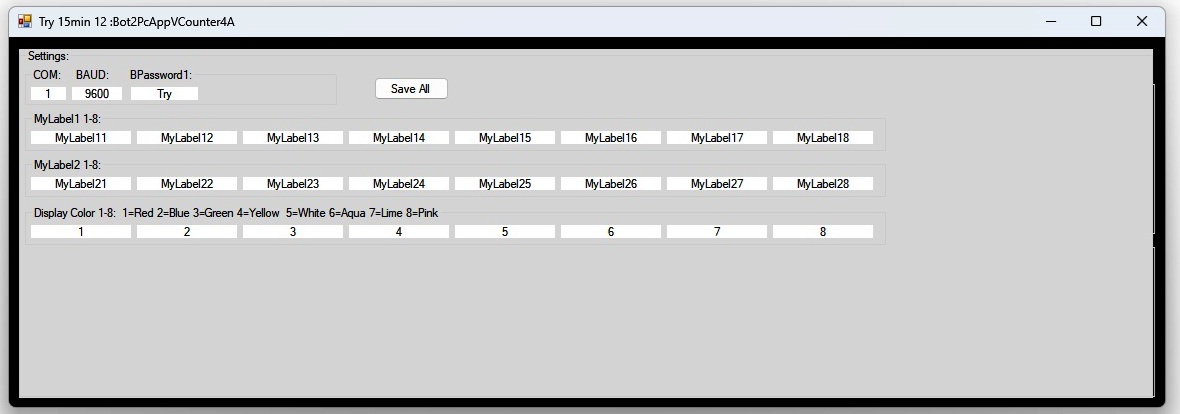 |
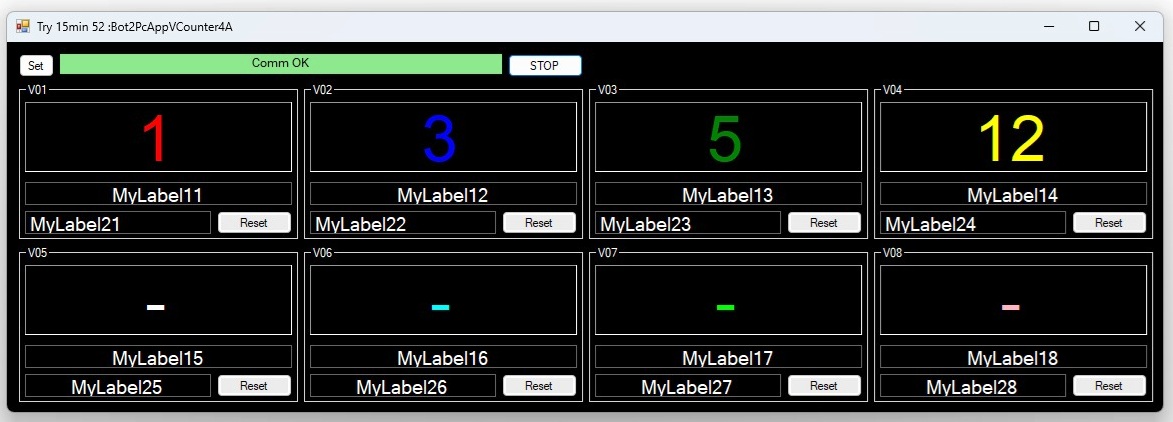
Bot2PcAppVCounter4A: PcApp for controlling status up to 4 counters on PC... |
| Download: Here -- Free! | ||
| Always use PcApp in folder named without special caracters! | ||
 |
 |
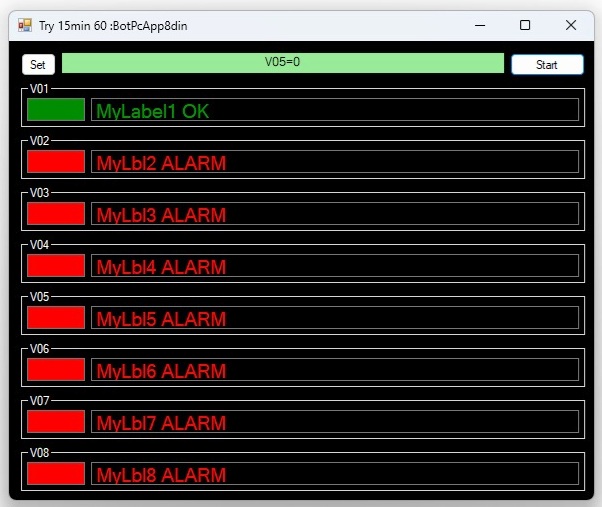
BotPcApp8din: PcApp for controlling status up to 8 dig. inputs |
| Download: Here -- Free! | ||
| Always use PcApp in folder named without special caracters! | ||
 |
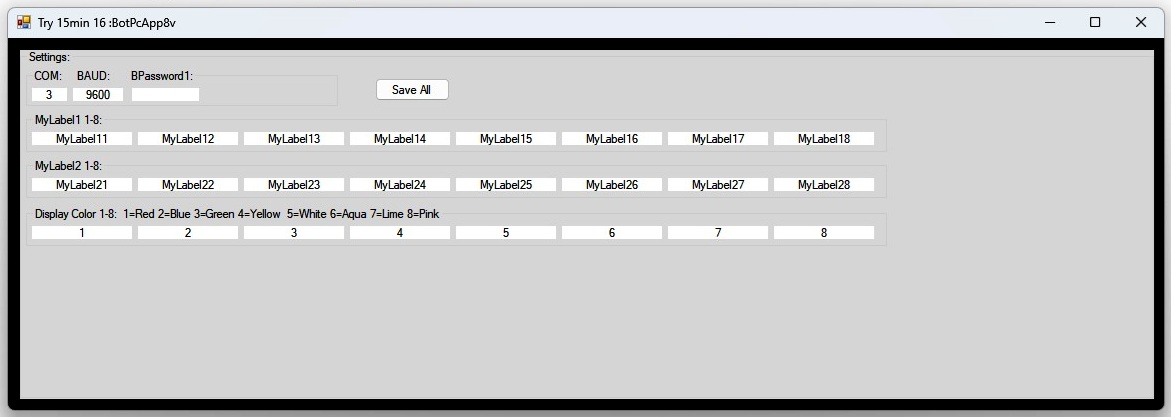 |
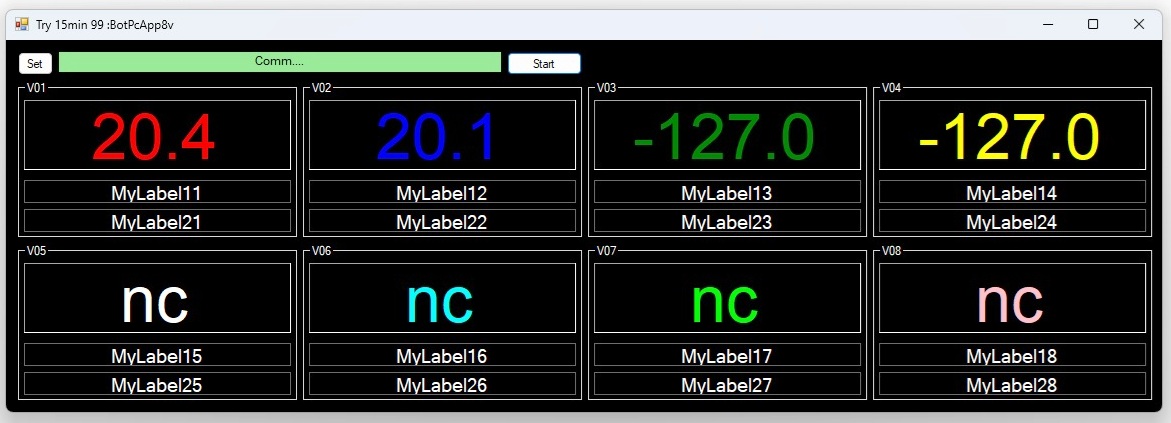
BotPcApp8v: PcApp for controlling status up to 8 measured values... |
| Download: Here -- Free! | ||
| Always use PcApp in folder named without special caracters! | ||
 |
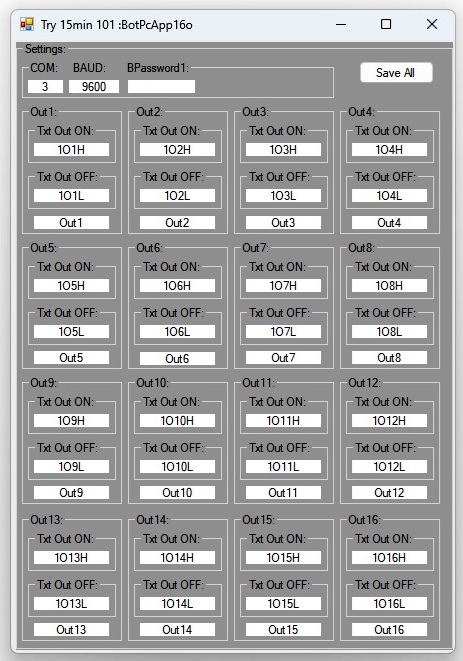 |
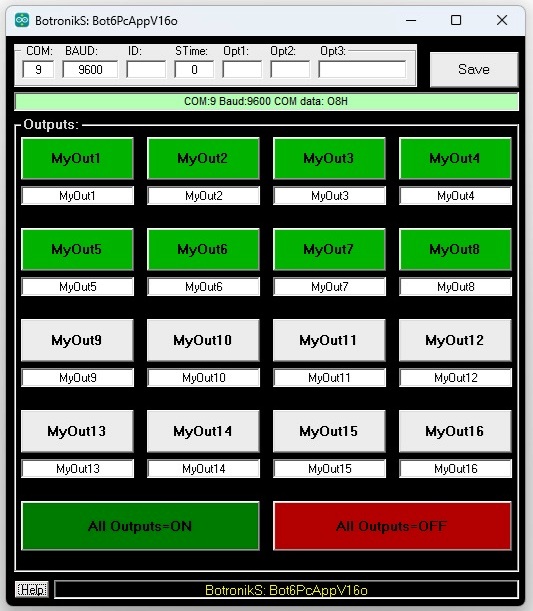
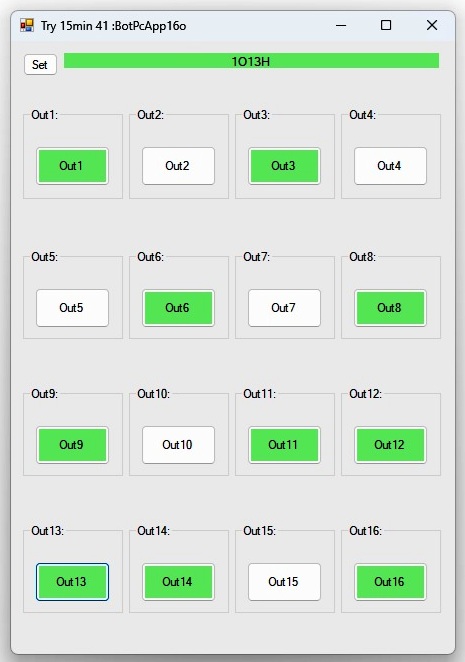
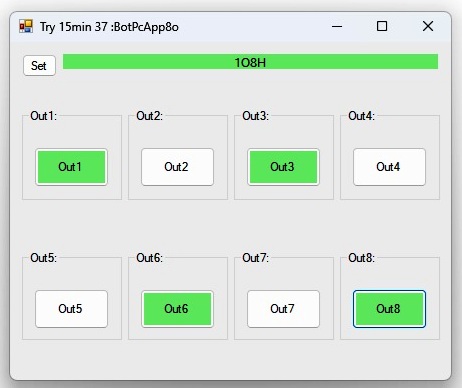
BotPcApp16o: PcApp for controlling status up to 16 outputs... |
| Download: Here -- Free! | ||
| Always use PcApp in folder named without special caracters! | ||
 |
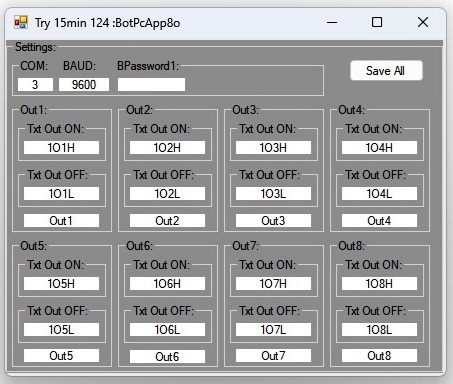 |
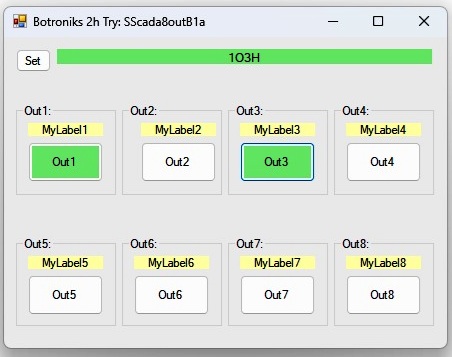
BotPcApp8o: PcApp for controlling status up to 8 outputs... |
| Download: Here -- Free! | ||
| Always use PcApp in folder named without special caracters! | ||
 |
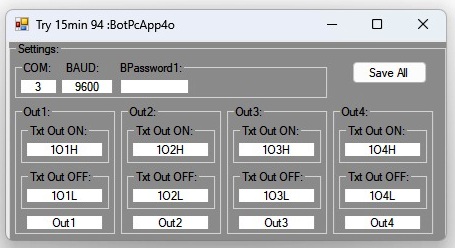 |
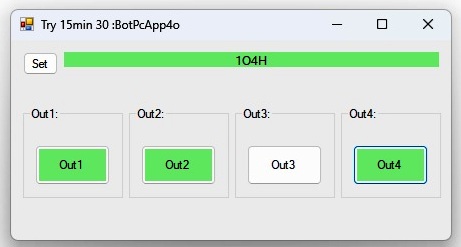
BotPcApp4o: PcApp for controlling status up to 4 outputs... |
| Download: Here -- Free! | ||
| Always use PcApp in folder named without special caracters! | ||
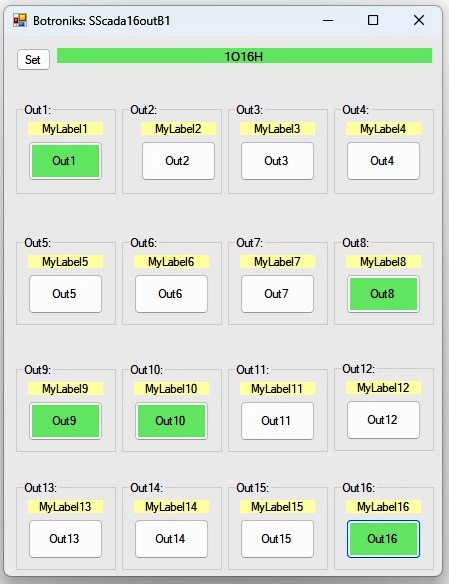 |
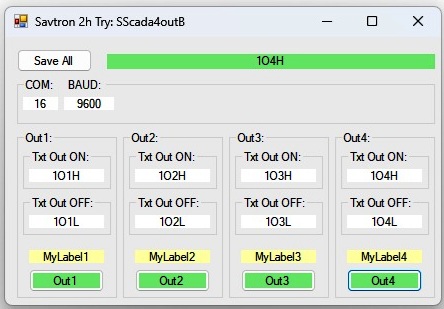
SScada16outB1: PC SCADA for controlling status up to 16 outputs... |
| Download: Here -- Free! | |
| Always use app in folder named without special caracters! | |
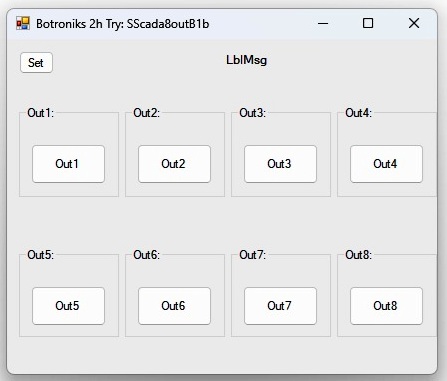 |
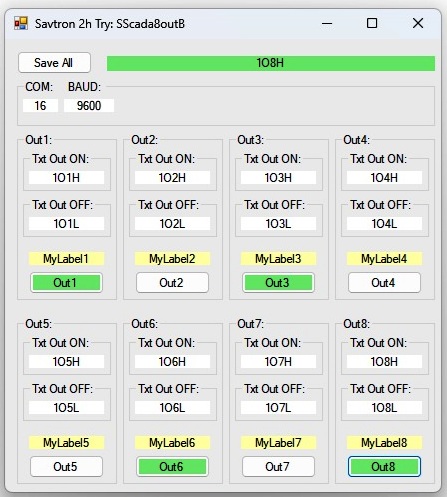
SScada8outB1b: PC SCADA for controlling status up to 8 outputs... |
| Download: Here -- Free! | |
| Always use app in folder named without special caracters! | |
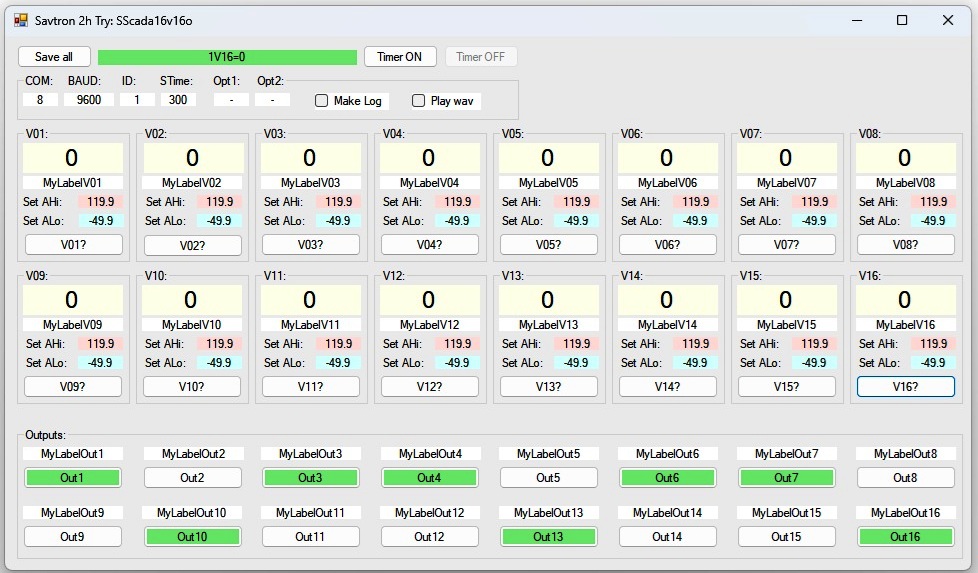 |
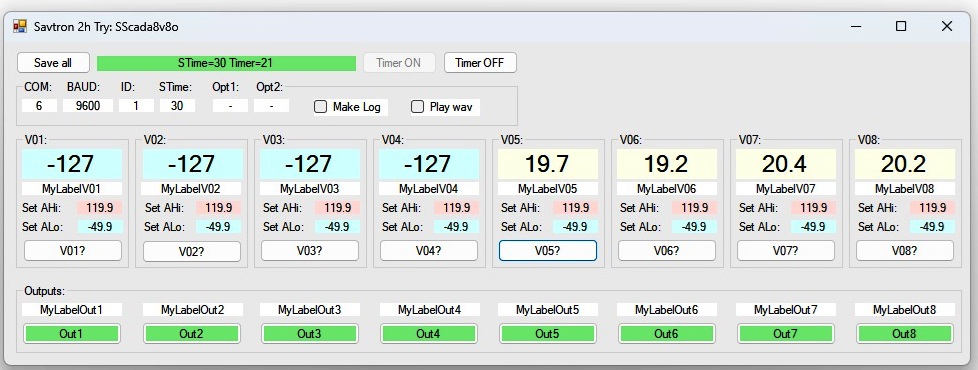
SScada16v16o: PC SCADA for 16 values, 16 outputs, on timer, Log files, play wav on alarm events... |
| Download: Here | |
| Always use app in folder named without special caracters! | |
| Try version limited to 2h of operation. Then must be restarted. | |
| Test and use it for free! If You are satisfied and want FinalCode (no limit version) do: | |
| Make a 22,60 EUR donation HERE(PayPal) and the FinalCode will be sent to your email address soon. | |
| or ask for proforma invoice (PI) on top Email. | |
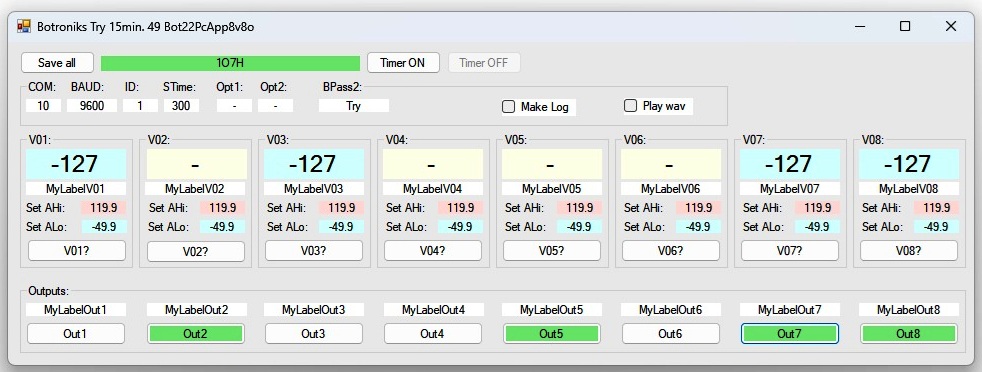 |
Bot22PcApp8v8o: PC App for 8 values, 8 outputs, on timer, Log files, play wav on alarm events... |
| Download: Here | |
| Always use app in folder named without special caracters! | |
| Try version limited to 15min of operation. Then must be restarted. | |
| Test and use it for free! If You are satisfied do: BPassword2 | |
| or ask for proforma invoice (PI) on top Email. | |
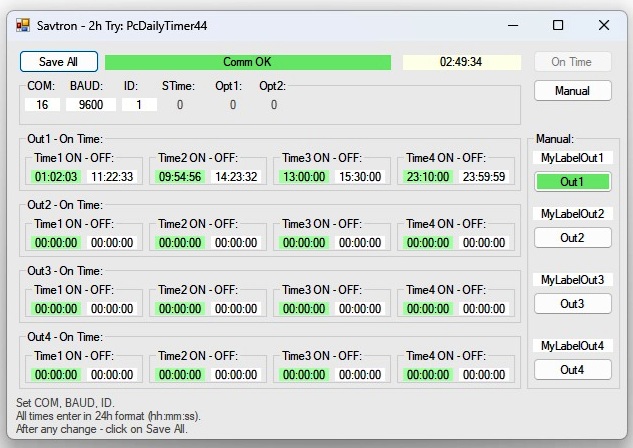 |
PcDailyTimer44: PC SCADA for 4 outputs controlled in 4 real time cycles |
| Download: Here | |
| Always use app in folder named without special caracters! | |
| Try version limited to 2h of operation. Then must be restarted. | |
| Test and use it for free! If You are satisfied and want FinalCode (no limit version) do: | |
| Make a 22,40 EUR donation HERE(PayPal) and the FinalCode will be sent to your email address soon. | |
| or ask for proforma invoice (PI) on top Email. | |
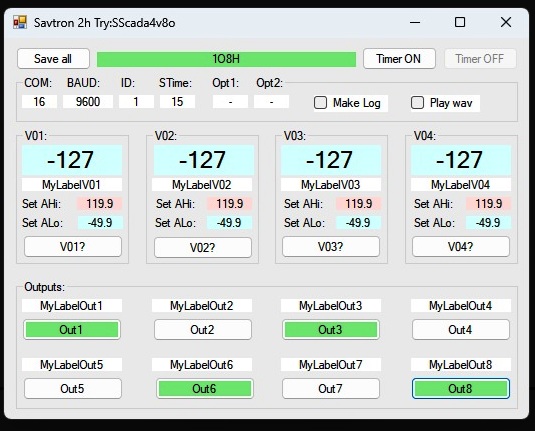 |
SScada4v8o: PC SCADA for 4 values, 8 outputs, on timer, Log files, play wav on alarm events... |
| Download: Here | |
| Always use app in folder named without special caracters! | |
| Try version limited to 2h of operation. Then must be restarted. | |
| Test and use it for free! If You are satisfied and want FinalCode (no limit version) do: | |
| Make a 22,30 EUR donation HERE(PayPal) and the FinalCode will be sent to your email address soon. | |
| or ask for proforma invoice (PI) on top Email. | |
 |
vb22BScadaID_16out: PC SCADA for controlling status up to 16 outputs... |
| Download: f16out_v1 | |
| Always use app in folder. | |
| Try version limited to 2h of operation. Then must be restarted. | |
| Test and use it for free! If You are satisfied and want FinalCode (no limit version) do: | |
| Make a 22,20 EUR donation HERE(PayPal) and the FinalCode will be sent to your email address soon. | |
| or ask for proforma invoice (PI) on top Email. | |
 |
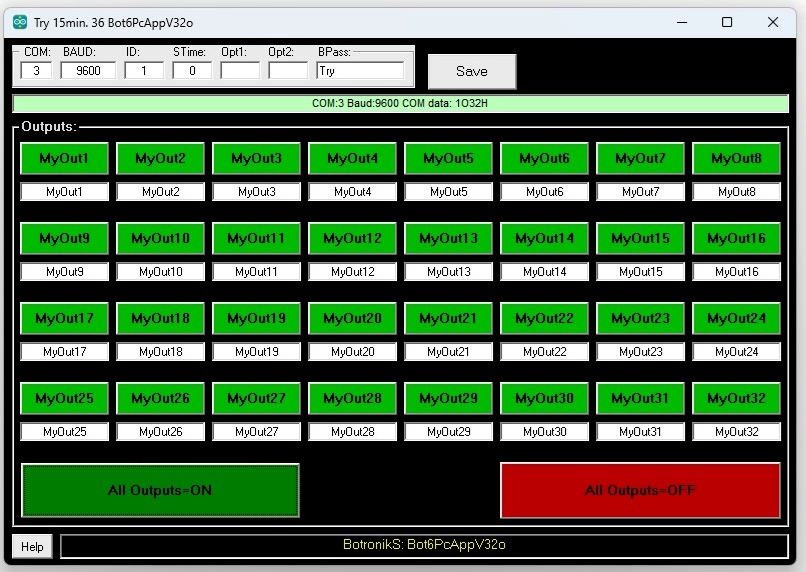
vb22BScadaID_32out: PC SCADA for controlling status up to 32 outputs... |
| Download: f32out_v1 | |
| Always use app in folder. | |
| Try version limited to 2h of operation. Then must be restarted. | |
| Test and use it for free! If You are satisfied and want FinalCode (no limit version) do: | |
| Make a 22,10 EUR donation HERE(PayPal) and the FinalCode will be sent to your email address soon. | |
| or ask for proforma invoice (PI) on top Email. | |
Bot6PcApp - PC BScada(s):
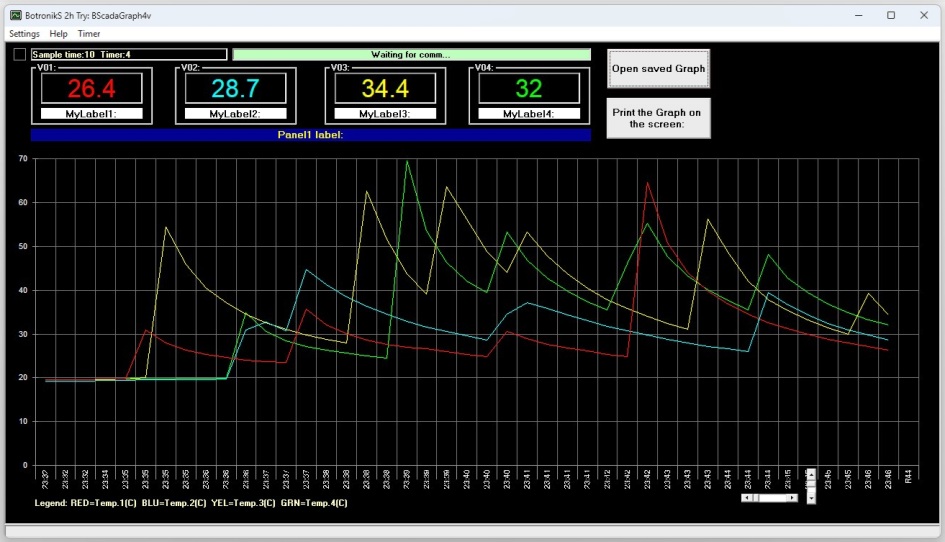 |
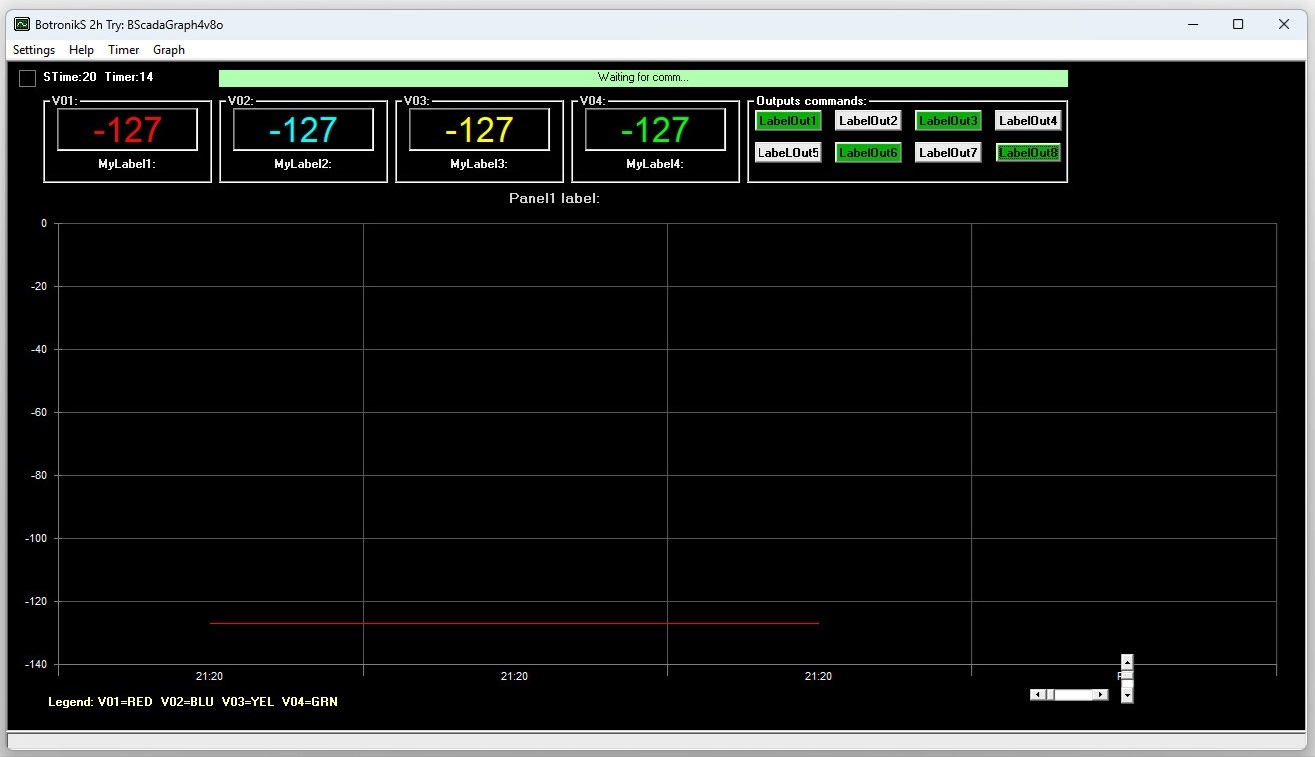
BScadaGraph4v: PC SCADA for measurement and real time Graph shows up to 4 values... |
| Download: Here | |
| Always use app in folder named without special caracters! | |
| Try version limited to 2h of operation. Then must be restarted. | |
| Test and use it for free! If You are satisfied and want FinalCode (no limit version) do: | |
| Make a 20,50 EUR donation HERE(PayPal) and the FinalCode will be sent to your email address soon. | |
 |
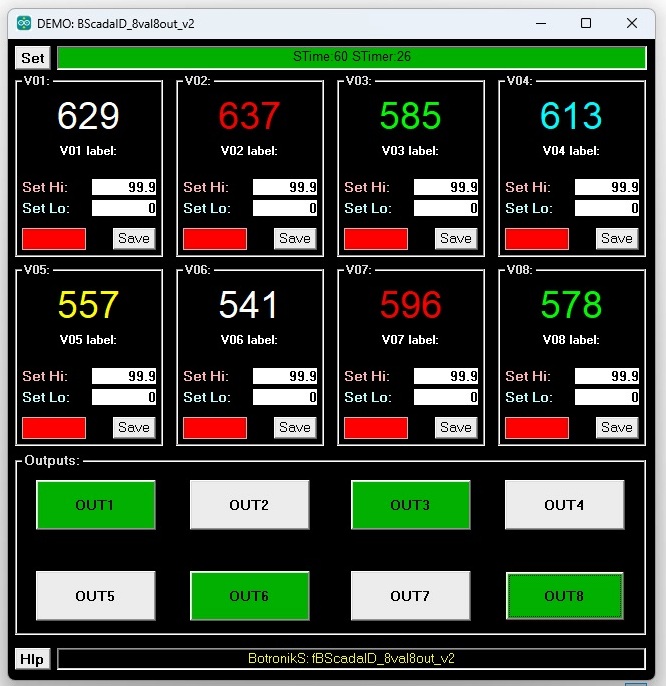
BScadaGraph4v8o: PC SCADA for measurement and real time Graph shows up to 4 values and manual control up to 8 outputs... |
| Download: Here | |
| Always use app in folder named without special caracters! | |
| Try version limited to 2h of operation. Then must be restarted. | |
| Test and use it for free! If You are satisfied and want FinalCode (no limit version) do: | |
| Make a 20,40 EUR donation HERE(PayPal) and the FinalCode will be sent to your email address soon. | |
 |
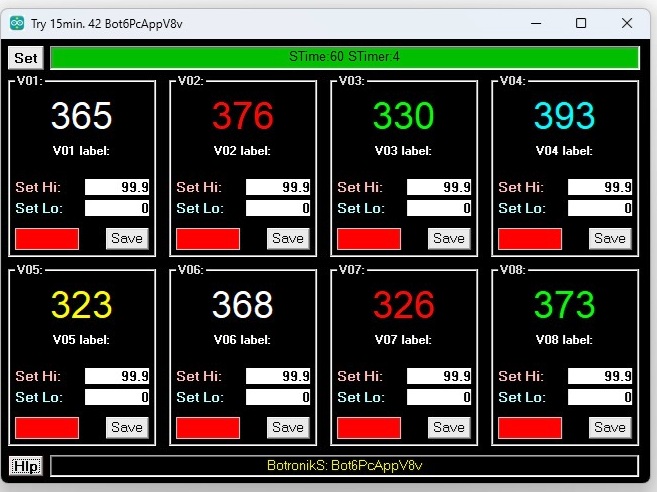
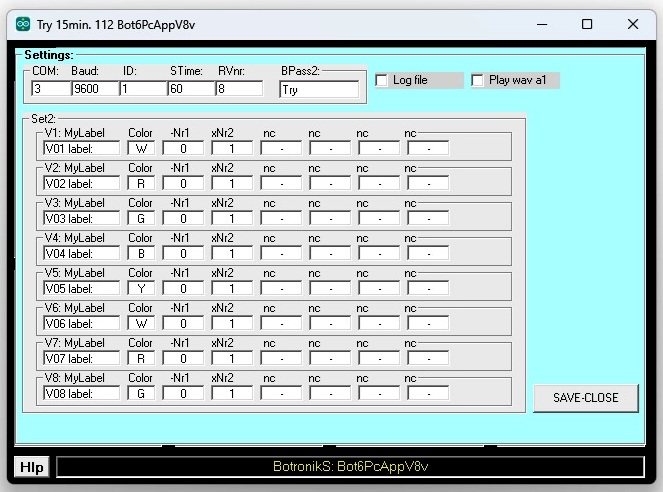
BScada8val8out: PC SCADA for 8 values, 8 outputs, on timer, Log files, play wav on alarm events... |
| Download: Here | |
| Always use app in folder named without special caracters! | |
| Try version limited to 2h of operation. Then must be restarted. | |
| Test and use it for free! If You are satisfied and want FinalCode (no limit version) do: | |
| Make a 20,30 EUR donation HERE(PayPal) and the FinalCode will be sent to your email address soon. | |
 |
 |
|
| Bot6PcAppV8v1: PC staus of 8 analog inputs... Free! | ||
| PC staus of 8 analog inputs, Hi/Lo values, can play WAV, write to file... | ||
| Always use PcApp in folder named without special caracters! | ||
| Download: Here -- Free! | ||
 |
 |
 |
|
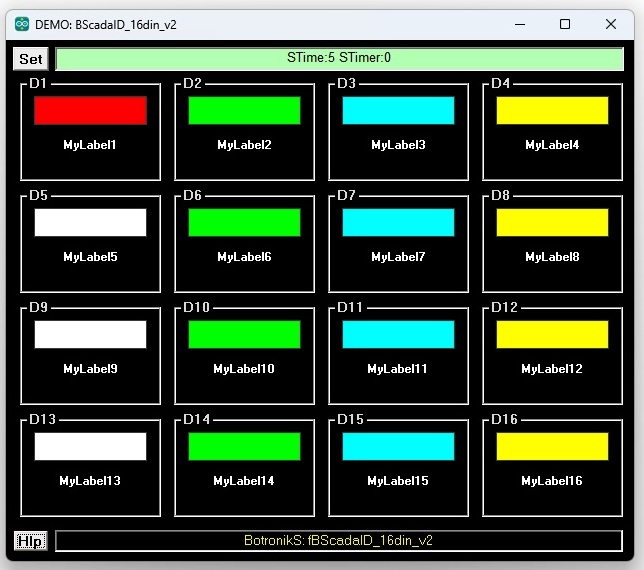
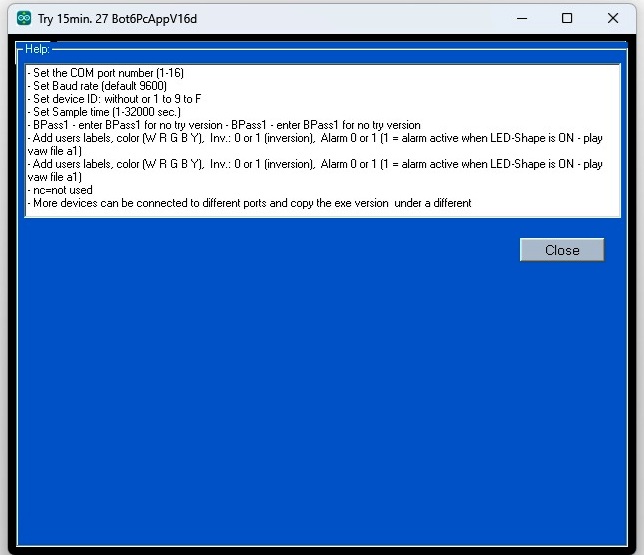
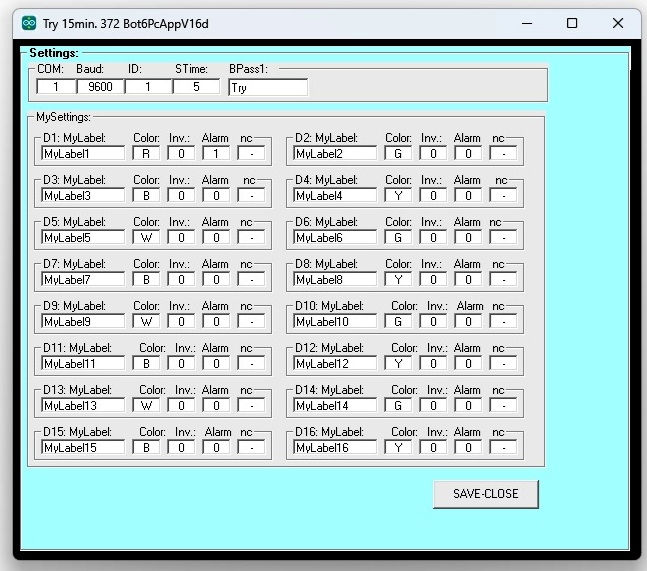
| Bot6PcAppV16d: Controlling status up to 16 digital inputs (open/close) and show on PC... | |||
| Control of up to 16 digital (open/close) inputs from a PC... | |||
| Always use PcApp in folder named without special caracters! | |||
| Download: Here -- Free! | |||